When to Replace a Samsung Phone Battery | 7 Warning Signs
If your Samsung Galaxy phone loses charge quickly, switches off unexpectedly, or struggles to last through the day, you may...
Learn More
Your phone screen is cracked or it just won’t charge anymore or it won’t turn on at all, the one time you need it most. Whatever happened, you are stuck with a broken device and a tough decision to make. Attempt a DIY repair, or take it to a professional.
It is easy to see why DIY repair seems appealing. YouTube is filled with tutorials showing people opening their phones with apparent ease. The videos make the process look straightforward, careful prying, organized screws, everything clicking back into place. But the comments often tell a different story, with people reporting devices that never worked again after their attempt.
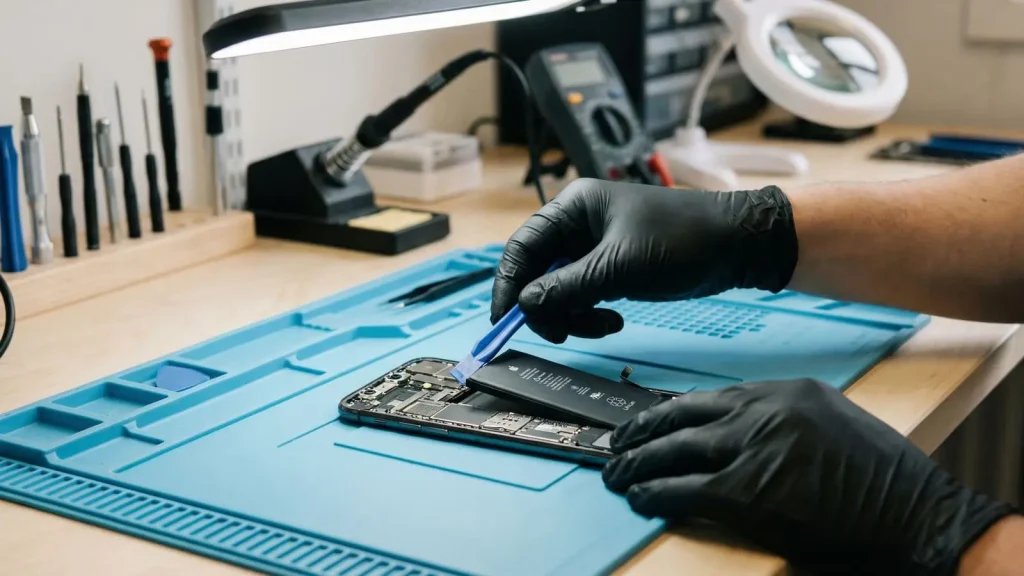
The reality is that smartphones are remarkably complex devices. What appears to be a simple snap-together unit on the outside contains flexible ribbons, tiny connectors, and components secured with strong glue. Removing one part often risks damaging nearby components. The batteries require particular care, improper handling of lithium-ion cells can pose serious safety risks.
This is not a lecture. Let me walk you through what is actually worth attempting at home versus when you should recognize the need for professional help.
DIY repair is exactly what it sounds like you are the one diagnosing the problem and attempting the fix, usually with help from videos and guides you find online. There is no shortage of those resources. There are plenty of repair guides online, and YouTube is full of people showing how they repair phones and sharing their repair attempts in real time.
For a lot of basic stuff, this approach works fine. Things like:
These are all completely reasonable things to try before you start worrying about hardware.
But here is where things get tricky, opening the phone itself is a completely different skill set. And honestly, most people do not have the tools or experience to do it safely.
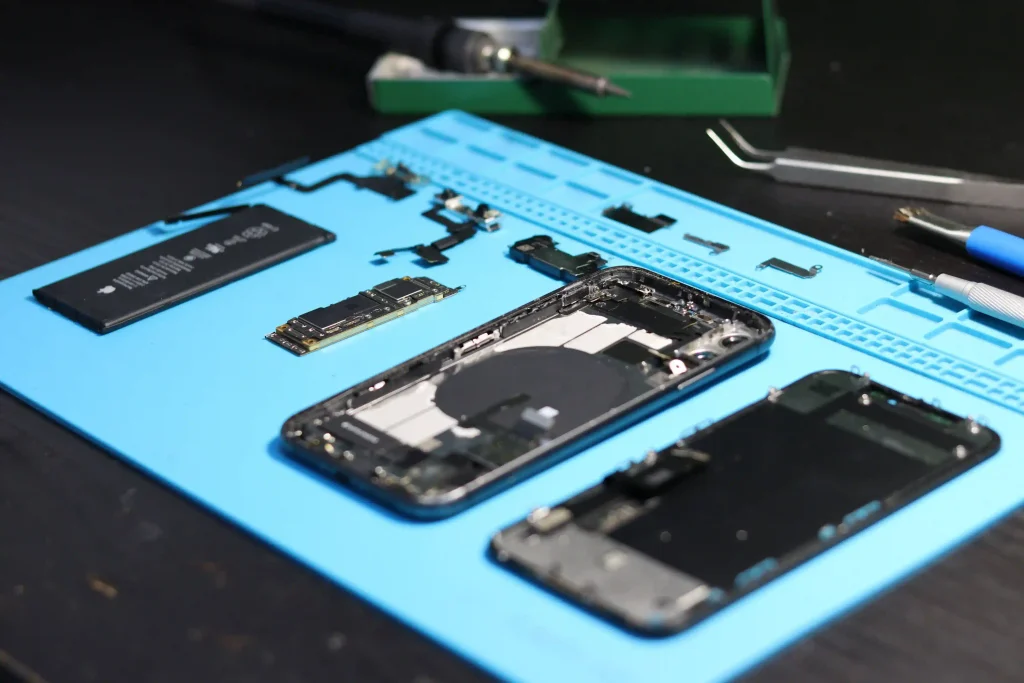
Not everything needs a professional. Some problems are just small issues that seem worse than they really are. Before you start taking your phone apart, there are a few simple things you can try yourself. A quick restart, software update, or clearing some storage might be all your phone needs to get back to normal.
Slow phone? Glitchy app? Unexpected behavior after an update? These are often just software issues. Try the basics first which is restarting the device, check for updates, clear cache on problematic apps, free up storage space. If you are really desperate, a factory reset will usually resolve things, just make sure you have backed up whatever you cannot afford to lose.
This one comes up more often than you think. Your phone isn’t charging? We often see customers who think their phone charging port is damaged, only to find that dust and small bits of fabric have built up inside the port. In some cases, a careful cleaning is all the phone needs to start charging properly again. So before assuming your charging port needs to be replaced, try checking it for dirt or dust first. And when your phone starts acting strangely, a simple restart can sometimes solve the problem.
If cleaning does not help, the problem could be the cable, the adapter, the port itself, or something deeper. At that point, you are past DIY territory.
Wi-Fi dropping out? Bluetooth refusing to pair? Sometimes it is nothing more than a software issue. Try turning airplane mode on and off, forget and reconnect the network, reset your network settings. These are all safe and simple things you can try without opening anything.
If you have tried all of that and the problem persists across multiple networks or locations, you might be looking at a hardware issue. But do not jump to that conclusion before exhausting the software fixes first.
These are the problems where it is best to get help from a professional. Some repairs may look simple from the outside, but they can be more difficult and risky once you open the phone.
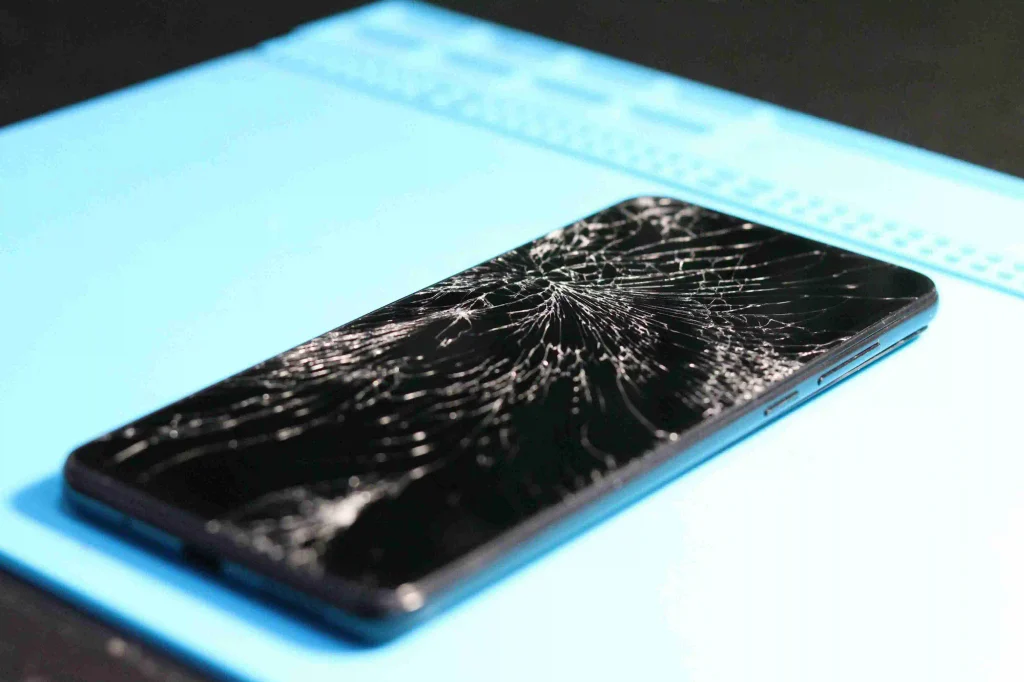
This is the big one. Everyone wants to replace their own screen because the parts are available and the videos exist. But screen replacement is one of the more delicate procedures you can attempt on a smartphone.
Get it wrong and you will end up with a phone that looks fine on the outside but has a dead touchscreen, no face unlock, or a display that only works in certain spots. We have seen people spend three hours on a screen replacement only to have the new panel not work at all because they snipped a ribbon cable they did not even know was there.
If the crack is minor and the display still works perfectly, you could try it yourself. But if the screen is badly cracked, unresponsive in places, or the phone has been dropped hard enough to potentially damage internal components, a professional repair is probably worth the money.
Swollen batteries are serious. We have seen phone cases bulge so badly that the device won’t sit flat on a table. That is your battery signaling a problem, and it is a legitimate safety concern, punctured lithium-ion cells can catch fire or release toxic fumes.
Do not try to deflate a swollen battery yourself. Do not squeeze it. Do not put it in the freezer like some internet hack suggests. Just get it replaced by someone who knows how to handle these things safely.
Even for regular battery degradation, swapping out an adhesive-sealed battery requires heat, proper tools, and knowing exactly which clips and connectors to disconnect first. One wrong move and you are looking at a bricked phone.
Here is the thing about water damage, your phone might seem fine right after it gets wet. That is actually the dangerous part. Corrosion happens slowly, and problems can show up days or even weeks later.
What you definitely should NOT do is to keep turning it on to “check if it works.” Every time you power a wet phone, you are running current through components that should not have it. That accelerates corrosion and can cause short circuits.
What you should do is to turn it off immediately, do not charge it, and get it to a professional who can open it up, clean the corrosion, and assess what is actually been damaged. Rice in a Ziploc bag is a myth, it does not help and might introduce starch into your ports.
If cleaning the port did not work and your phone still won’t charge (and you have tried multiple cables and adapters), the port itself might be damaged. Replacing a charging port on most modern phones requires removing the battery, disconnecting several ribbon cables, and sometimes heating adhesive to free the port assembly. It is doable for someone with experience, but it is easily the kind of repair where one slip means replacing the motherboard too.
Blurry photos? Camera app won’t open? Lines on your images? These could be software or hardware problems, and it is not always easy to tell which. A technician can open the phone, check the camera flex cable connections, test the module, and determine whether it is a simple reseat or a full replacement.
This is probably the most frustrating scenario. Your phone was working yesterday and now, nothing. There are a bunch of possible causes, dead battery, charging circuit failure, software crash, water damage, motherboard issue. Without proper diagnostic tools, it is really hard to narrow it down.
You can try the basics: charge it for a while, force restart it, check if anything happens when you plug it in. But if you have exhausted those steps and the phone is still dead, a professional with the right equipment is your best bet.
To be clear, I am not against DIY repair. I have fixed my own share of gadgets. But opening a smartphone carries real risks that go beyond just breaking the thing you are trying to fix.
You can damage components you did not even know were there. Modern phones are densely packed. A pry tool meant for one connector can easily slip and damage a nearby flex cable. I once replaced a phone speaker and accidentally disconnected the proximity sensor cable in the process. The phone worked fine, but the auto-dim feature during calls stopped working, and I did not notice until weeks later.
Batteries are dangerous if handled wrong. They are not just fragile, they are flammable. Puncturing one, bending it, or shorting the contacts can cause thermal runaway. This is not theoretical. People have been burned by this.
You can lose your data. If a repair goes badly and the phone becomes unbootable. Getting your photos and contacts back is going to be a lot harder and more expensive, than just backing up regularly.
You might make one problem into five. A simple screen crack is bad enough. But if a DIY repair damages the face ID sensor, the earpiece, and the front camera in the process, you have gone from “annoying” to needing a new phone.
Some features are calibrated, not just assembled. Things like biometric sensors, display color calibration, and even speaker tuning can be affected by improper reassembly. A phone might work after a DIY repair but not perform exactly the same way.
When you hand your phone to a proper repair technician, here is typically what happens:
First, they inspect it. Not just a glance, they will check for visible damage, test the screen response, check charging, examine the camera, test buttons and speakers. They are trying to figure out what is actually broken, not just assuming based on what you tell them.
Then they diagnose. Some problems are obvious (cracked screen, swollen battery). Others aren’t and having the right diagnostic tools makes the difference between guessing and knowing.
Once they know what is wrong, they explain it to you. A good technician will tell you what needs fixing, what the cost will be, and how long it should take. If there are additional issues they notice, they should flag those too.
After the repair, they test. The phone should be checked to make sure everything works before it goes back in your hand.
This process matters because it means the actual problem gets fixed, not just the symptom you noticed.
Before you commit to either path, spend a minute thinking through:
If you answered “no” to any of the last three, that is useful information.
There is no universal answer here. It depends on what is wrong with your phone, what you are comfortable doing, and what you stand to lose if things go sideways.
Simple software issues? Give it a shot. Clean the charging port, restart, update, reset network settings — all safe bets.
Physical damage, battery problems, water exposure, or anything involving the screen? That is usually better left to someone who does this for a living. Not because it is impossible, but because the consequences of getting it wrong are significant.
Your phone holds your photos, your messages, your contacts, your entire digital life. When in doubt, a professional inspection is cheaper than replacing your phone.
If your Samsung Galaxy phone loses charge quickly, switches off unexpectedly, or struggles to last through the day, you may...
Learn More
If you need phone data recovery services because important photos, videos, contacts or files have disappeared, do not panic. A...
Learn More
If you are looking for iPhone screen repair perth services after dropping your phone, you are not alone. A cracked...
Learn More