When to Replace a Samsung Phone Battery | 7 Warning Signs
If your Samsung Galaxy phone loses charge quickly, switches off unexpectedly, or struggles to last through the day, you may...
Learn More
If your iPhone is charging slowly, the cause is usually one of six common issues, an underpowered charging adapter, worn or damaged cable, dirty charging port, degraded battery, excess heat, or the built-in Optimized Battery Charging feature pausing at 80%. The good news is that you can check most of these issues at home and often fix them within a few minutes.
Below, we walk through each cause, how to test it yourself, and the warning signs that mean it is time for a professional repair.
The 6 most common causes of slow iPhone charging:
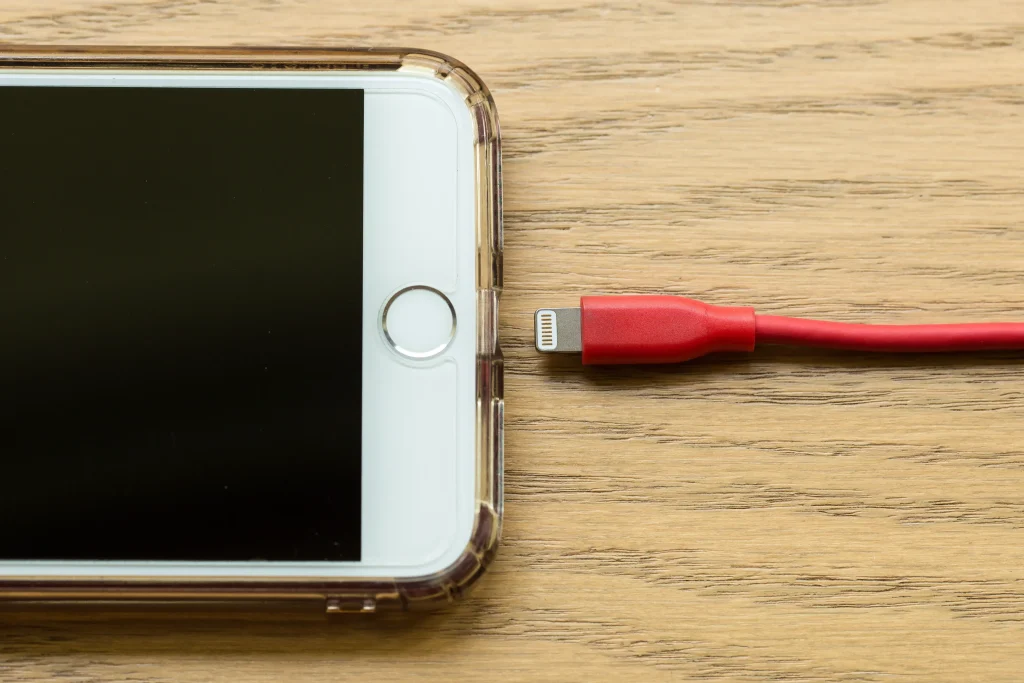
The plug you use matters more than most people realise. An old 5W adapter, the small square plug Apple shipped for years, charges a modern iPhone slowly. A 20W USB-C adapter can take the same phone from empty to around 50% in about 30 minutes.
If your iPhone supports fast charging (iPhone 8 and later), it needs an 18W or higher USB-C Power Delivery adapter to reach those speeds. Plug it into a weak 5W brick and you will wait far longer.
Two other adapter problems are common:
Make sure your adapter matches your iPhone’s power needs, and choose a reputable, certified option where you can.
Charging cables take a beating in our daily life. They get bent, twisted, yanked, stuffed into bags, and occasionally stepped on. Over time the internal wires break down, and a cable that still “works” can charge noticeably slower.
Inspect both connectors for dirt, corrosion, bending, or fraying, and replace any cable with visible damage. Cheap, uncertified cables are another frequent cause of slow or unreliable charging, an MFi-certified (“Made for iPhone”) cable is the safer choice.
A quick test: swap in a different cable. If charging speeds up, you have found your culprit.
Your iPhone’s charging port quietly collects pocket lint, dust, and grit. A surprisingly small amount can stop the connector making full contact, which looks exactly like slow charging.
Here is how to check it safely:
If the port looks packed with compacted lint, professional cleaning is the safer route. A technician can clear it without risking internal damage.
Every iPhone battery wears down with use. Lithium-ion batteries are designed to keep up to 80% of their original capacity after about 500 full charge cycles. After that, you may notice slower charging, faster draining, and the occasional unexpected shutdown.
Check yours in Settings > Battery > Battery Health & Charging and look at Maximum Capacity. A figure well below 80% points to an ageing battery.
Keep this in mind, though slow charging on its own does not always mean the battery is to blame. Rule out the adapter, cable, and port first before assuming you need a replacement.
iPhones deliberately slow or pause charging when they get too warm, it is a safety feature that protects the battery. Apple designs iPhones to work best between roughly 0°C and 35°C.
Common heat traps include:
If your iPhone feels unusually warm, unplug it, let it cool down, and give it room to breathe before charging again.
This one catches a lot of people out. If your iPhone charges to 80% quickly and then seems to “stall”, especially overnight, it may be working exactly as designed.
Optimized Battery Charging learns your daily routine and deliberately delays charging past 80% until just before you normally unplug. It reduces long-term battery ageing, but it can easily look like slow charging.
To check or turn it off, go to Settings > Battery > Battery Health & Charging > Optimized Battery Charging. If you need a full charge sooner, you can switch it off or tap to charge fully just this once.
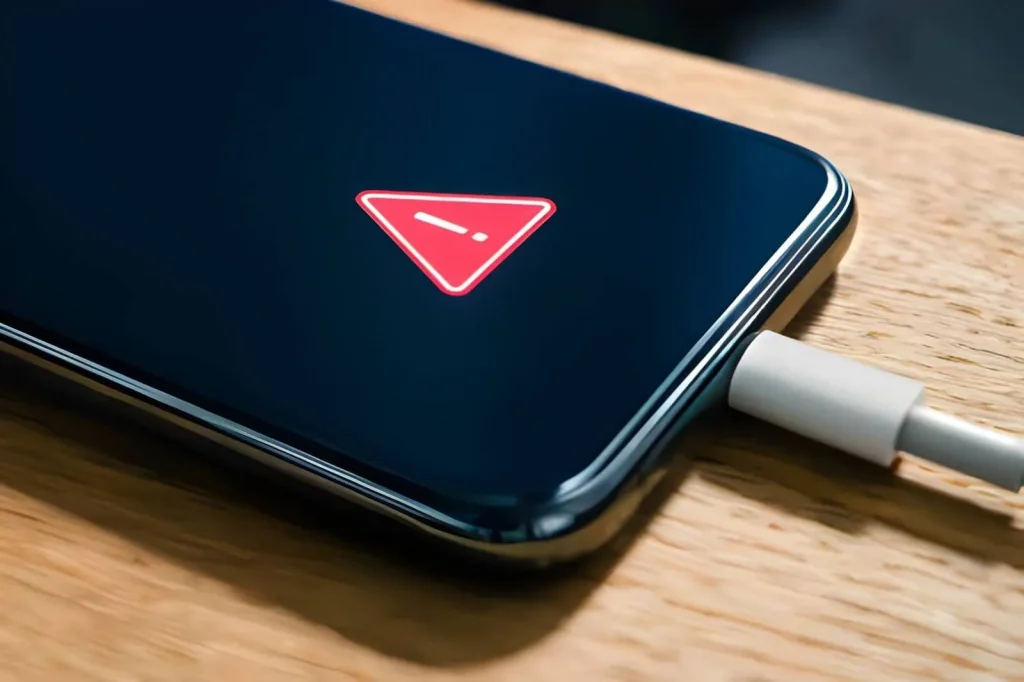
Before searching for professional repair, work through these steps in order:
If none of these speeds things up, the problem is likely internal and worth a professional diagnosis.
Sometimes slow charging points to a hardware fault that needs professional attention. Watch for these signs:
A qualified technician can inspect the charging port, battery, and internal connections to pinpoint the real cause.
Some symptoms mean you should stop charging immediately:
Continuing to charge a damaged battery is a genuine safety risk. Power the device down and have it checked by a professional.
Good repair starts with finding the actual fault. Replacing the battery would not fix a damaged cable or a blocked port, and buying another charger won’t repair internal damage. A proper diagnosis means you only spend money where it truly matters.
If you are looking for iPhone repair in Perth, choose a service that explains the problem clearly and fixes the right thing the first time. Our team at Fonedoc Perth can diagnose slow-charging issues from ports and batteries to internal connections and tell you exactly what your phone needs.
Whether it is a quick port clean or full mobile phone repair in Perth, the goal is the same: get your iPhone charging properly again, without the guesswork.
Slow iPhone charging can be frustrating, but the cause is often easier to find than you might expect. A weak adapter, damaged cable, dirty charging port, ageing battery, excess heat, or Optimized Battery Charging can all affect charging speed.
Before assuming your iPhone needs a repair, work through the simple checks in this guide. Try another cable and adapter, inspect the charging port, check Battery Health, and let your phone cool down if it feels hot.
If your iPhone still charges slowly after these checks, the problem may involve the charging port, battery, or another internal component. At that point, professional diagnosis can save you time, money, and unnecessary part replacements.
Get your iPhone checked today and get back to faster, reliable charging
If your Samsung Galaxy phone loses charge quickly, switches off unexpectedly, or struggles to last through the day, you may...
Learn More
If you need phone data recovery services because important photos, videos, contacts or files have disappeared, do not panic. A...
Learn More
If you are looking for iPhone screen repair perth services after dropping your phone, you are not alone. A cracked...
Learn More