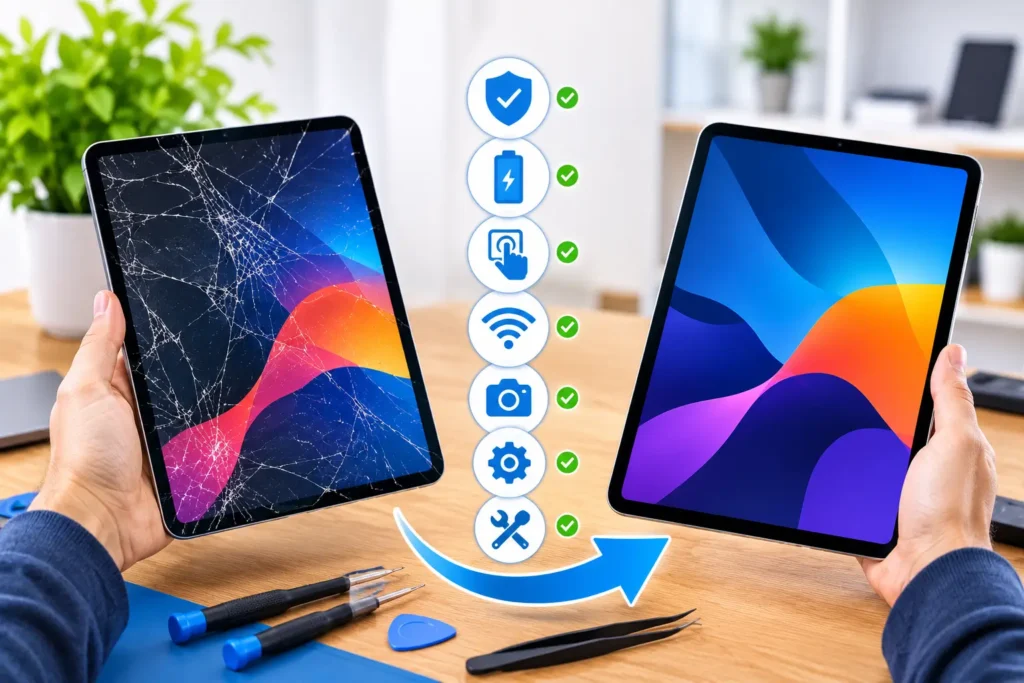
iPad Screen Replacement Perth | 7 Vital Things to Check Before Repair
A cracked or damaged iPad screen can make everyday tasks difficult. You might struggle to read documents, attend online meetings,...
Learn More
A Google FRP lock can be frustrating, especially when your Android phone suddenly asks for a Google account you cannot remember after a factory reset. You may have reset the phone to fix a software problem, purchased a second-hand device, or received a phone from someone else. Now you cannot get past the verification screen.
This security feature is called Factory Reset Protection (FRP). It is designed to stop someone from using an Android phone after resetting it without the owner’s permission.
The good news is that there are legitimate ways to regain access. You may be able to recover your Google account, sign in using an account previously linked to the phone, or get help from a qualified technician.
In this guide, we explain how Google FRP lock works, why it appears, and seven practical ways to deal with it safely.
Google FRP lock stands for Google Factory Reset Protection. It is an Android security feature that helps protect personal devices against unauthorised use after a factory reset.
When you add a Google account to an Android phone and set up a screen lock, device protection is enabled. If someone resets the phone without first removing the Google account or proving ownership, Android may ask for the previous account during setup.
For example, imagine someone finds a lost Samsung phone. They cannot simply erase its contents, reset it, and start using it as their own. The phone may request the Google account details that were previously linked to it.
This makes it harder for another person to use a stolen device.
According to Google’s official Android guidance, a protected phone may require the screen lock or a previously synced Google account after a reset. (Google Android Help).
Important: FRP is a security feature, not a fault with your phone. Seeing the verification screen does not automatically mean your device is damaged.
There are several reasons why your Android phone may display Google account verification.
A common reason is resetting a phone through Recovery Mode rather than the normal Settings menu.
For example, you may have used the Power and Volume buttons to open Recovery Mode and selected the factory reset option.
On a protected device, this type of reset can trigger Google account verification during the next setup.
You might remember your phone’s screen PIN but have forgotten the Gmail address or password connected to it.
This can happen when you use several Google accounts or have not signed in for a long time.
The phone may still ask for the account that was previously added and synced with the device.
Buying a used Android phone can sometimes lead to an unexpected FRP problem.
For example, a previous owner may have reset the device without removing their Google account first.
The new owner then reaches the setup screen and cannot continue because the phone requests the previous owner’s details.
If someone else has access to your device and performs a factory reset, FRP can help prevent them from setting it up without the required verification.
Sometimes, a phone may reject a recently changed password or require additional verification.
If you have just recovered your account, avoid repeatedly entering different passwords. Follow Google’s recovery instructions and check whether a waiting period applies to your device.
Samsung also explains that some Galaxy devices may require a waiting period after a password change before the new password can be used for device verification.
Before considering a professional repair service, try these legitimate troubleshooting steps. They can help you identify the problem and may restore access without additional assistance.
The first thing to try is signing in with the Google account that was previously added to your Android phone.
Follow these steps:
If you previously used multiple Google accounts on the device, remember that Google allows an account that was added and synced to the phone as an account or user, rather than a guest account.
Do not assume that any newly created Gmail account will work. The account must meet Google’s device verification requirements.
If you cannot remember your Google password, try recovering your account before attempting other solutions.
Google provides an official account recovery process.
Here is what to do:
Google may ask for additional information to confirm that you own the account.
A useful tip is to complete account recovery using a device and internet connection you regularly use. This may help Google recognise your usual sign-in activity.
You can start here : Google Account Recovery
Remember: Recovering your Google account and removing an FRP lock are not exactly the same thing. You must still complete the phone’s verification process.
Some people have several Google accounts and cannot remember which one was connected to their phone.
For example, you may have:
Try to identify the account you regularly used on that particular device.
You can also use Google’s account recovery options if you have forgotten your email address.
Avoid creating multiple new accounts in the hope that one will unlock the phone. A new account will not replace the previously linked account required for FRP verification.
Google account verification needs a working internet connection.
If your phone cannot connect properly, the setup process may fail even when your account details are correct.
Try the following:
Avoid public Wi-Fi networks that require complicated sign-in procedures.
If the phone connects successfully but continues asking for account verification, the problem is more likely related to account ownership or device security than your internet connection.
If you recently changed or recovered your Google password, your phone may not immediately accept the new details.
Some devices and security situations require a waiting period before the updated password can be used during FRP verification.
Samsung’s official guidance explains that certain Galaxy devices may require a 24-hour waiting period after a password change. The exact behaviour can depend on the device and software version.
What should you do?
Changing your password several times in a short period may make troubleshooting more confusing.
If you purchased a used phone and it displays a previous owner’s Google account, contact the seller.
Explain that the phone is requesting account verification after the factory reset.
Ask the previous owner to help complete the official ownership and account-removal process.
You should not ask the seller to share their Google password or verification codes. They should handle their own account securely.
Before purchasing a second-hand Android phone, it is better to check that the seller has removed their Google account and that the device can complete its initial setup.
If the seller cannot prove ownership or refuses to help, consider requesting a refund through the appropriate marketplace or payment provider.
If you have tried the account recovery options and still cannot access your device, professional assistance may be worth considering.
A technician can inspect the phone, identify its model and software condition, and explain the legitimate options available for restoring access.
At FoneDoc Perth, we provide a Google FRP unlock service for supported Android devices, including:
The correct approach depends on the phone model, Android version, security status, and proof of ownership.
If you are locked out of a phone you own, bring the device and available proof of purchase for assessment. A technician can check the situation and advise whether assistance is possible.
You can explore our phone and device repair services to learn more about the support available.
We recommend avoiding services that promise instant access without checking ownership or device compatibility.
Not every Android setup problem is caused by FRP. Knowing the signs can help you understand what is happening.
Here are some common indicators:
| What you see | What it may mean |
|---|---|
| Phone asks for a previous Google account | FRP verification is active |
| Setup will not continue without account details | Google account verification is required |
| A new Gmail account is rejected | The account may not meet device verification requirements |
| Phone asks for the previous owner’s account | The previous account may still be linked |
| Password is rejected after a recent change | Additional verification or a waiting period may apply |
| Phone cannot connect to Wi-Fi | There may be a separate network problem |
The most important sign is a setup message asking you to verify an account that was previously synced with the device.
If you are unsure, avoid attempting random software fixes. Identifying the exact message and device model is a better starting point.
No, FRP itself is not designed to delete your data.
Its purpose is to protect a device after a factory reset by requiring ownership verification before setup can continue.
However, there is an important difference between FRP and the factory reset process.
A factory reset normally removes personal information stored on the phone, including downloaded applications, settings, messages, and locally stored photos.
For this reason, do not assume that unlocking an FRP-protected device will bring back information that was deleted during a reset.
If you had a Google backup enabled before resetting the phone, some information may be available after you regain access and sign in to the correct account.
For example, depending on your backup settings, you may be able to restore contacts, application data, settings, or other supported information.
Always check your Google account backups before assuming that all your information has been permanently lost.
Trying random solutions can waste time and sometimes create additional problems.
Here are some mistakes worth avoiding.
A new Gmail account generally will not satisfy verification when the phone requires an account previously synced with it.
Recover the original account instead.
Performing another factory reset usually does not remove FRP.
In fact, it may leave you facing the same verification screen again.
Be careful with applications and websites that promise free FRP removal.
Some may contain harmful software, request unnecessary permissions, or ask for personal information.
Do not install unknown applications or provide your Google password to an untrusted service.
Android security changes over time. A method shown in an older video may not work on a newer phone or software version.
Some tutorials also recommend steps that can compromise your privacy or device security.
Use official Google and manufacturer guidance whenever possible.
A phone that appears to work perfectly can still be locked after a factory reset.
Always check that a second-hand phone completes its initial setup and that the seller has removed their account before you pay.
A few simple habits can help you avoid getting locked out again.
If you are preparing to sell or give your Android phone to someone else:
The exact menu names may differ between Samsung, Google Pixel, Oppo, Vivo, and Xiaomi devices.
Removing your Google account before resetting helps prevent the next owner from facing an unexpected FRP verification screen.
Make sure your Google account has a working recovery email address and phone number.
This can make it easier to regain access if you forget your password.
Also consider using a password manager to store your login details securely.
Before purchasing a used Android phone, ask the seller to:
These checks can reduce the risk of buying a device that you cannot activate.
Professional assistance may be useful when:
Before visiting a repair shop, note the phone’s make and model, the exact message on the screen, and any account recovery steps you have already tried.
If possible, bring your proof of purchase.
This information helps the technician understand the situation without wasting time repeating steps you have already completed.
At FoneDoc Perth, we help customers with supported Google FRP lock problems across several Android brands. You can also explore our supported phone brands and repair services to learn more about the devices we work with.
A Google FRP lock can make an Android phone difficult to use, especially when you cannot remember the Google account that was previously connected to it.
However, it is important to understand that FRP exists to protect device owners against unauthorised use. It should not be treated as an ordinary software error.
Start by recovering your original Google account, checking your internet connection, and allowing any required password waiting period to pass. If those steps do not work, seek assistance from a qualified technician who can assess the device and explain the available options.
If your Samsung, Google Pixel, Oppo, Vivo, or Xiaomi phone is stuck on Google account verification, contact FoneDoc Perth for advice about our Google FRP unlock service.
A cracked or damaged iPad screen can make everyday tasks difficult. You might struggle to read documents, attend online meetings,...
Learn More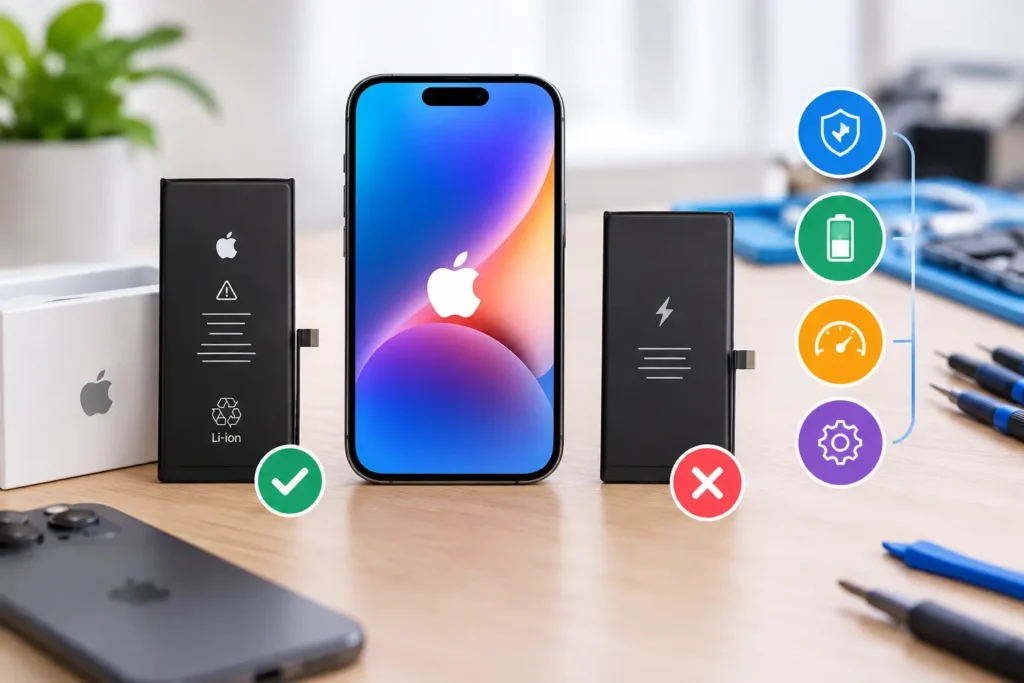
Your iPhone used to get you through a full day. Now it's at 30% by lunchtime, it switches off without...
Learn More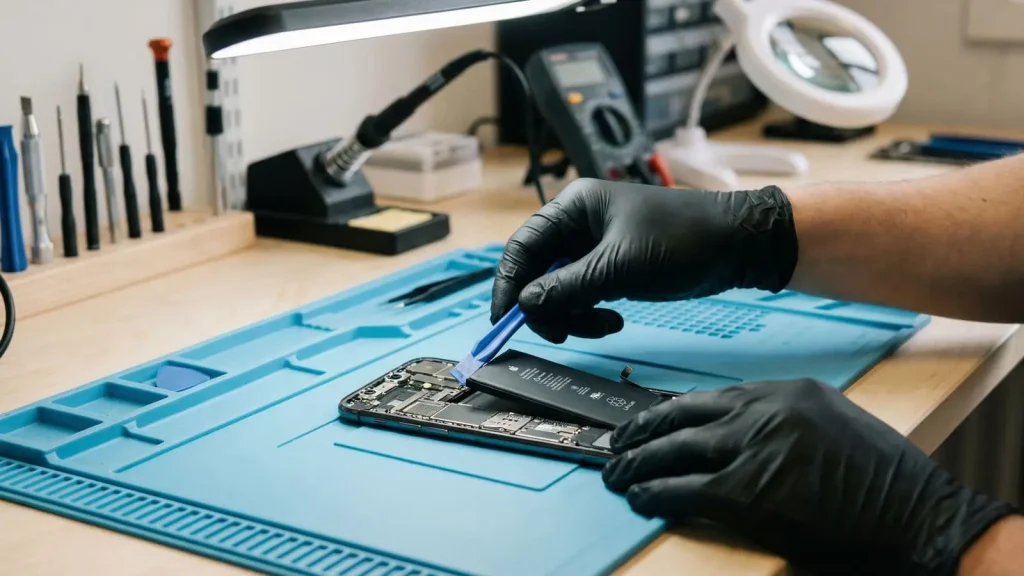
If your Samsung Galaxy phone loses charge quickly, switches off unexpectedly, or struggles to last through the day, you may...
Learn More